
Russia



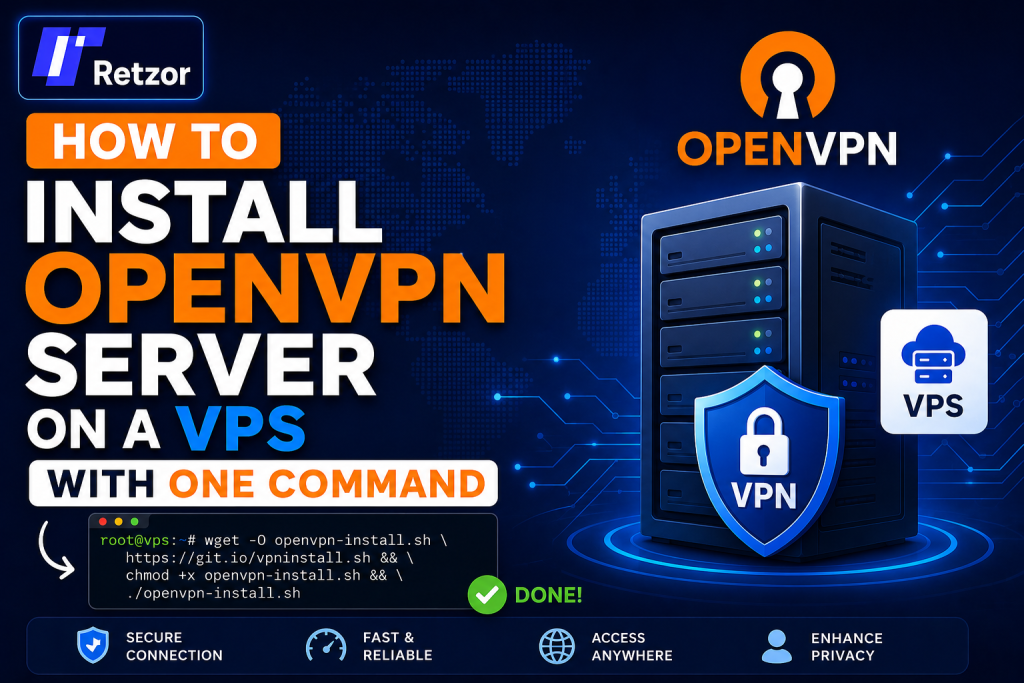
How to Install OpenVPN Server on a VPS with One Command
A complete beginner-friendly guide to setting up your own secure OpenVPN server on a VPS using a simple automated command.
by Hamza
Why Install OpenVPN on a VPS?
OpenVPN is one of the most trusted open-source VPN solutions for securing internet traffic, protecting privacy, and creating encrypted connections between your device and a remote server.
By installing OpenVPN on your own VPS, you gain full control over your VPN server instead of depending on shared third-party VPN services. This means better privacy, dedicated resources, and more flexibility.
If you want a fast and reliable server for your VPN setup, try our VPS at Retzor and start building your private VPN server today.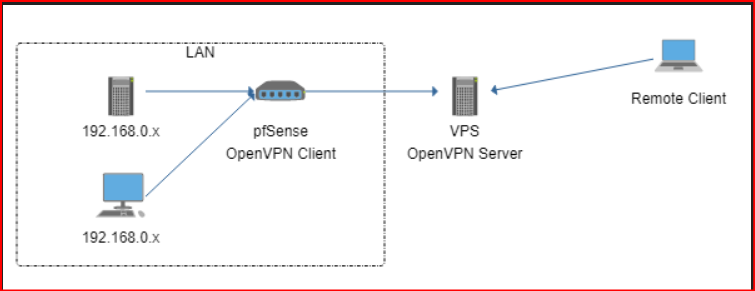
Quick Summary
- Connect to your VPS using SSH.
- Update your server packages.
- Run one command to install OpenVPN.
- Choose protocol, port, DNS, and client name.
- Download the .ovpn file and connect from your device.
OpenVPN VPS Requirements
OpenVPN does not require a powerful server. A small VPS is enough for personal browsing, remote access, and secure internet usage.
| Resource | Recommended Minimum |
|---|---|
| RAM | 512 MB or higher |
| CPU | 1 vCPU |
| Storage | 10 GB SSD |
| Operating System | Ubuntu 22.04 or 24.04 recommended |
1) Connect to your VPS
First, connect to your server using SSH. Replace your-server-ip with your real VPS IP address.
ssh root@your-server-ip
Example:
ssh root@192.168.1.100
2) Update your VPS
Before installing OpenVPN, update your server packages to improve security and compatibility.
apt update && apt upgrade -y
3) Install OpenVPN with One Command
Now run the automated OpenVPN installer. This command downloads the script and starts the installation process automatically.
wget https://git.io/vpn -O openvpn-install.sh && bash openvpn-install.sh
If your server does not have wget installed, you can use curl instead:
curl -O https://raw.githubusercontent.com/angristan/openvpn-install/master/openvpn-install.sh && bash openvpn-install.sh
4) Complete the OpenVPN Setup Wizard
The installer will ask a few questions. For most users, the default settings are fine.
| Option | Recommended Choice |
|---|---|
| Protocol | UDP |
| Port | 1194 |
| DNS | Cloudflare or Google DNS |
| Client Name | myvpnclient |
5) Download Your OpenVPN Client File
After installation, the script creates a client configuration file ending in .ovpn . This file is required to connect your device to the VPN.
/root/myvpnclient.ovpn
Download it to your local computer using:
scp root@your-server-ip:/root/myvpnclient.ovpn .
6) Connect to your VPN
Install an OpenVPN client on your device, import the .ovpn file, and click connect.
| Device | Recommended Client |
|---|---|
| Windows | OpenVPN GUI |
| macOS | Tunnelblick or OpenVPN Connect |
| Android | OpenVPN Connect |
| iPhone / iPad | OpenVPN Connect |
7) Verify Your VPN Connection
After connecting, check your public IP address. It should match your VPS server IP instead of your home or office internet IP.
https://whatismyipaddress.com
OpenVPN Management Commands
You can run the installer again anytime to manage your VPN users.
bash openvpn-install.sh
| Action | Purpose |
|---|---|
| Add Client | Create a new VPN user profile. |
| Revoke Client | Remove access for an old user. |
| Remove OpenVPN | Uninstall OpenVPN from the VPS. |
Firewall Configuration
If your VPS uses UFW firewall, allow the default OpenVPN UDP port.
ufw allow 1194/udp
ufw reload
ufw reload
Security Tips
- Keep your VPS updated regularly.
- Use SSH key authentication instead of passwords.
- Revoke unused VPN client profiles.
- Choose a strong VPS root password.
- Use a trusted VPS provider with reliable uptime.
Common Issues and Fixes
| Issue | Solution |
|---|---|
| VPN connects but no internet | Enable IP forwarding and check firewall rules. |
| Cannot connect to server | Verify VPS IP, port 1194 UDP, and client file. |
| Slow VPN speed | Use UDP, choose a closer VPS location, or upgrade bandwidth. |
Final Thoughts
Installing OpenVPN on a VPS with one command is one of the easiest ways to create your own private VPN server. With an automated installer, you do not need advanced Linux knowledge or complicated manual configuration.
A self-hosted OpenVPN server gives you better privacy, secure browsing, encrypted traffic, and full control over your VPN environment.
Ready to build your own VPN? Try our VPS at Retzor and install OpenVPN in just a few minutes.